 UnitForge Web
 Mini Character
Loading Mini parts…
Mini Character, Character and Monsters export all available animations as an .aseprite file with one flattened Composite layer, transparent RGBA pixels, animation tags and frame durations. The export scale (1/2/4×) is applied with nearest-neighbor sampling. Parts are not separate editable layers. Fractional durations are rounded to milliseconds while preserving total animation time. Use footer backup for saved selections/custom parts.
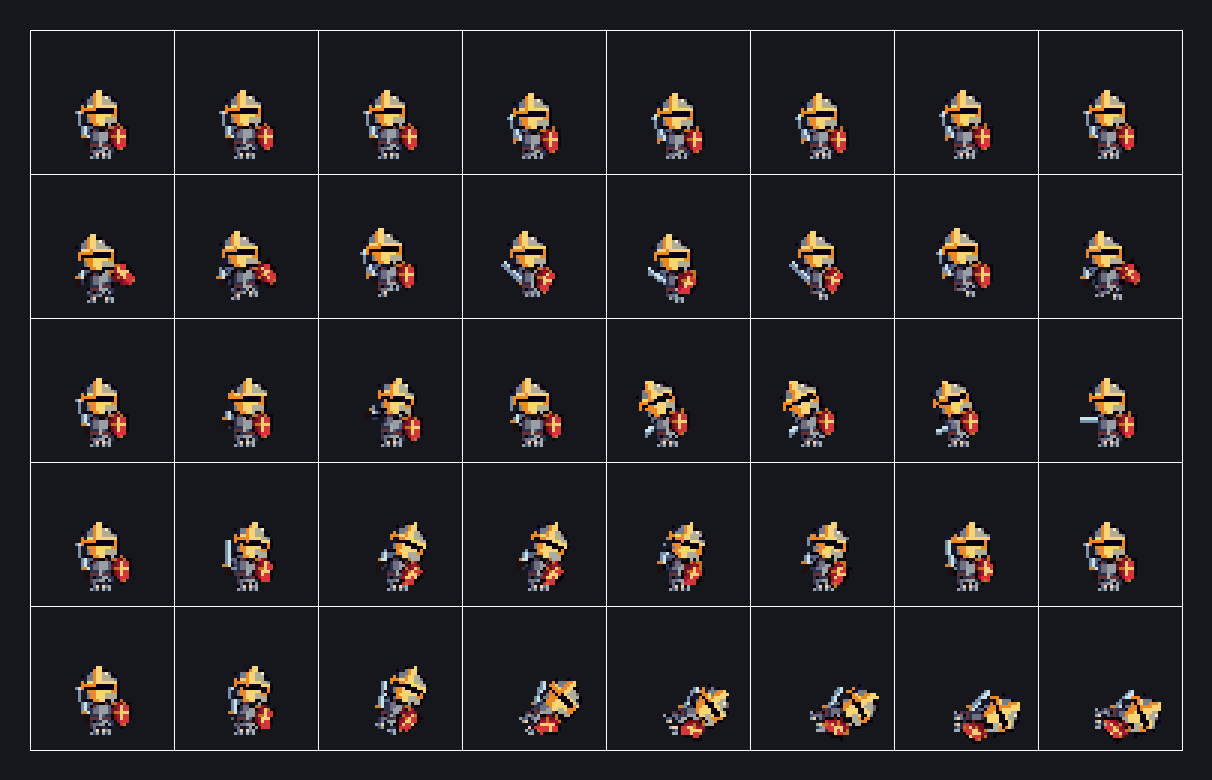
Choose one of eight classes on the Mini Character tab, to the left of Character. Class selects the motion, not just a costume. Pick helmet and armor independently; armor includes sleeves and shoes. Outfits are fitted to the selected pose, so mounted characters retain seated legs. Only Shield Knight has a removable shield and steel/fire/lightning/poison swords. Other classes use their own axe, staff, gun, bow, dual swords or cannon. Helmet X/Y moves in integer pixels; reset restores alignment. Preview five actions, pause or step through each frame. Hurt flashes white; death breaks the currently equipped figure into pixels and ends transparent. PNG exports use 128×112 cells. PNG saves the first Idle pose, like Character. Single-action sheets use one row; all-action sheets use five rows and eight columns (unused cells are transparent). Export scales are 1/2/4×. Godot 4 export uses the shared dialog and saves PNG, SpriteFrames .tres and an optional .tscn. Footer backup export/import saves and restores the Mini outfit independently. Use Aseprite export for tagged animation frames and footer backup to restore selections. Preview zoom does not change export resolution. Mini does not share Character’s 32×32 upload format, rig, editor, or editable rig parts.
Open Mini CharacterUnitForge is a free browser tool for making 2D pixel art characters. Assemble a character from swappable parts — body, hair, helmet, armor, weapons — preview the idle, move and attack animations, then export a single PNG or a sprite sheet for any 2D engine. The Godot 4 export writes the sprite sheet, a SpriteFrames .tres and a ready-to-run scene. No signup, and characters built from the built-in parts are free to use commercially.
Each dashed box mirrors the actual control on the Character tab. The arrow links each box to its explanation.
The assembled character animates in real time on the left canvas. Everything — part selection, colors, adjustments, export — is operated from the right panel. The character faces left by default and all actions (attack, move) are left-oriented.
Select Body, Hair, Helmet, Armor, Boots, Weapon and Shield individually. Choose None to unequip. In the list, ★ marks custom parts stored in this browser.
The + button on the right uploads a custom part (see section 6).
Categories with a color swatch can be tinted. White (#ffffff) is the original color.
Applies only to closed-type helmets (marked "Closed"); caps and open helmets are unaffected. Crested and Mage Hat hide the scalp above the brim in both modes. Viking preserves the full head and covers it with an extended lower shell.
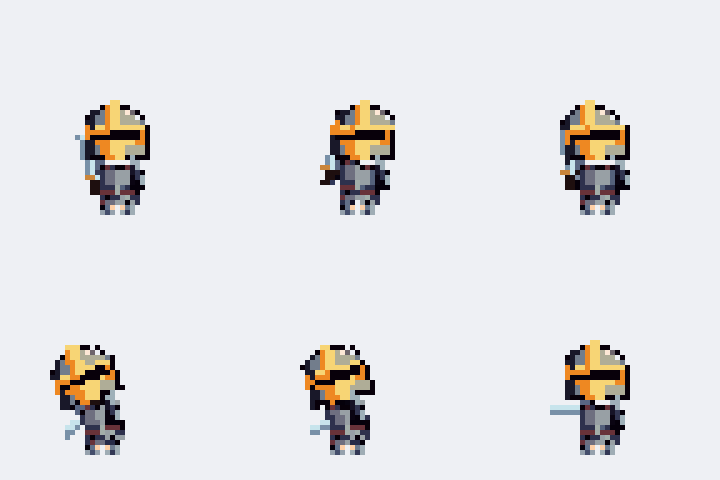
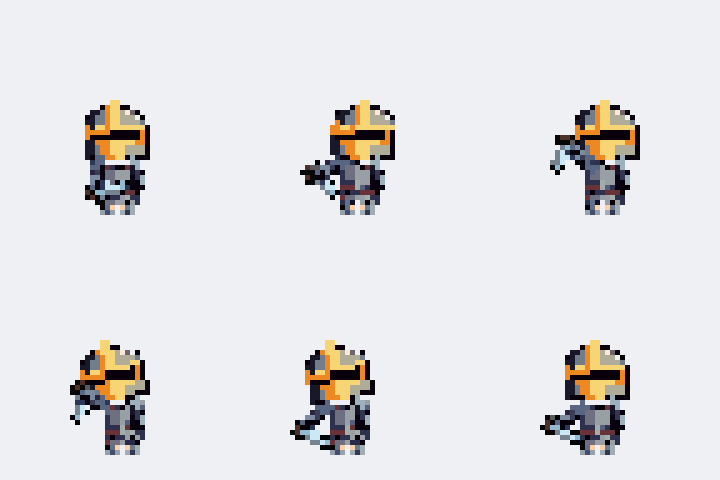
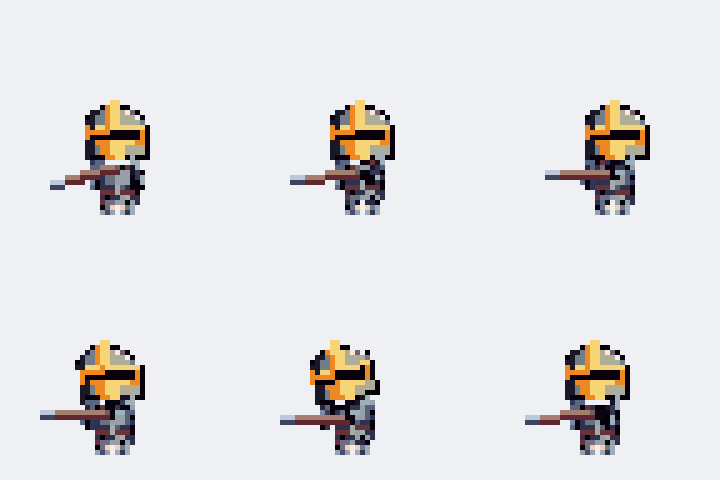
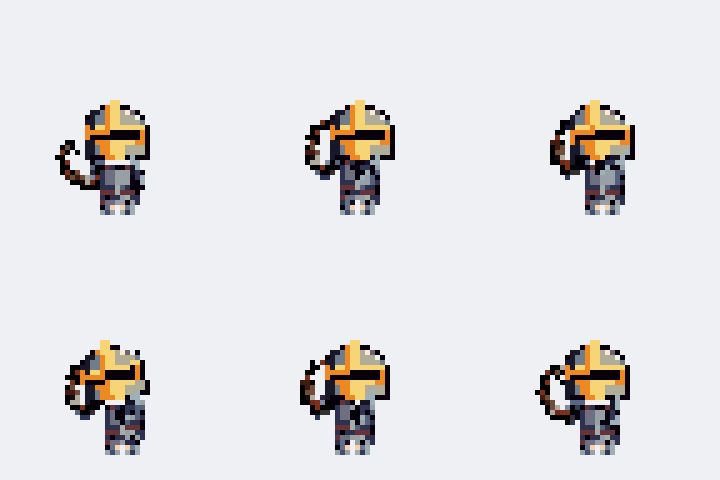
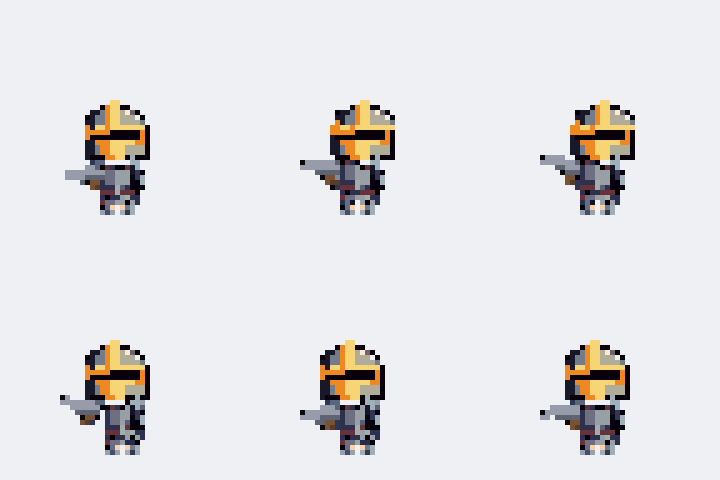
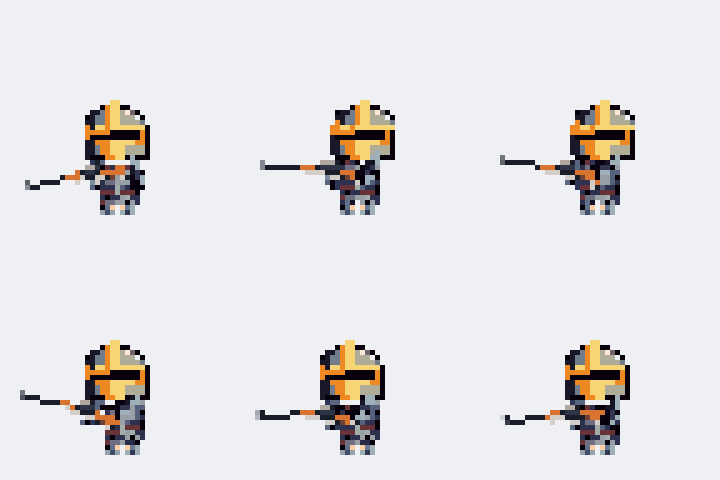
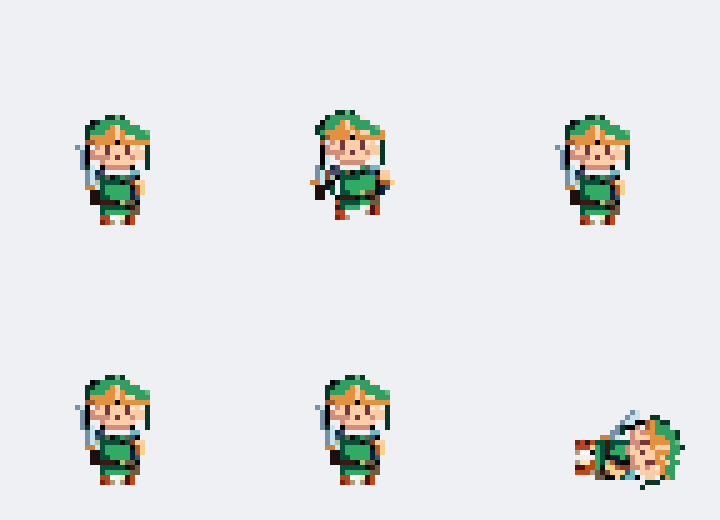
IDLE, MOVE, RUN, ATTACK, DAMAGED and DEATH play in real time. Use ↔ Flip to mirror the facing and ⏸ Pause to freeze a moment.
Daggers, spears, bows, handguns and long guns replace ATTACK with CHOP_ATTACK, SPEAR_ATTACK, BOW_ATTACK, PISTOL_ATTACK and RIFLE_ATTACK respectively. DEATH plays once and holds its last pose.
Press the + button on any category to open the upload dialog and follow the spec shown there. Key rules:
Only PNG files are accepted and the file content is verified. You can drop multiple files at once (file name = part name). Uploaded parts appear with ★ and support adjustment, animation and export just like built-in parts.
Select a custom part in the list and a 🗑 button appears to delete it.
Custom parts live only in this browser (★). Nothing is uploaded anywhere, and no account is needed — but clearing your browser data deletes them.
⬇ Export backup in the footer saves every custom part into a single .json file. ⬆ Import backup reads it back — on this machine or any other. Importing merges rather than overwrites, so re-importing the same file twice is safe.
The Monsters tab is a ready-made bestiary — 22 creatures: 17 rigged across many types (large humanoids, slimes, ghosts, bats, four-legged beasts, bugs, a mushroom, a mimic, a serpent) plus 5 frame-animated horrors — demons (horned brutes…) and gore beasts that are mostly mouth. Pick one, choose a color (preset swatch or any color — applied to exports too), preview its 5 animations, and export a PNG, a sprite sheet or Godot 4 files (.png + SpriteFrames .tres + .tscn) just like a character.
Edit the complete base or any equipment part. Pen, eraser, fill, eyedropper, undo and redo are available.
All built-in parts are original assets. You are solely responsible for the copyright and legal standing of sprites you create or export and custom parts you upload. See 📢 Notice in the top-right for details.